Reads, listens and arranges in your browser
Snap a receipt with your phone and get its text in Word. Turn a lecture recording into written notes. Combine fifty Excel files into one. Free, no account, and your file stays on your device.
How it worksWhat does Warraq do?
Reads
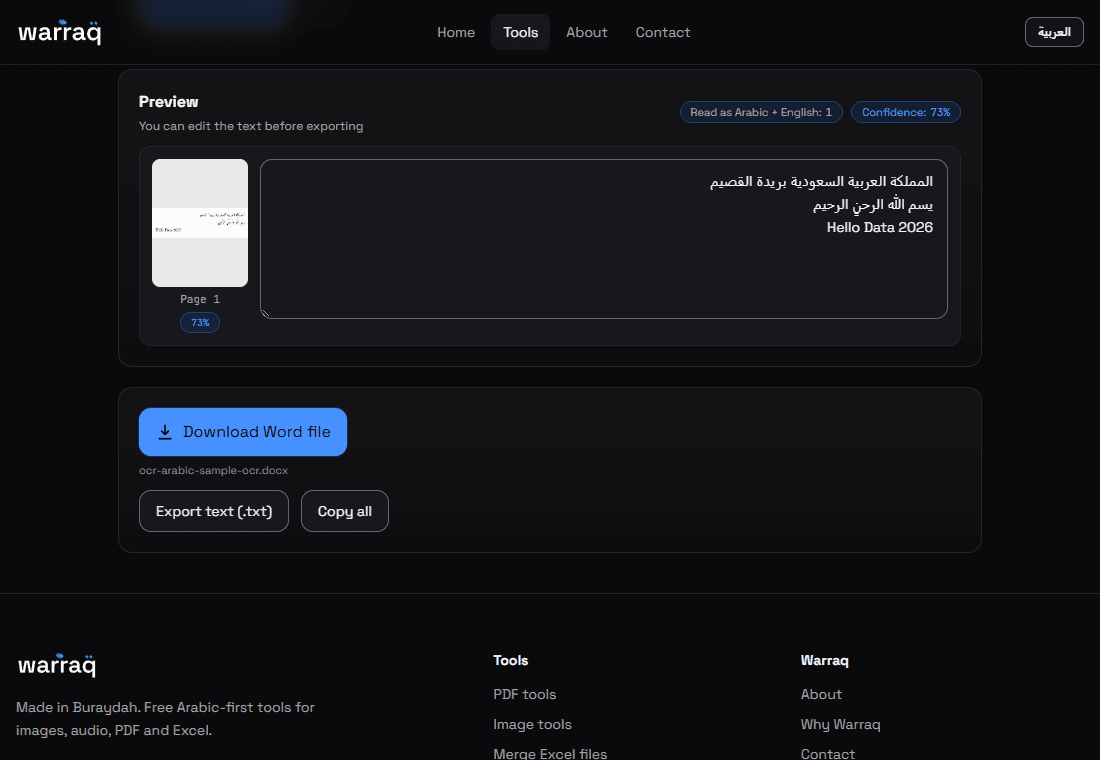
Photograph a page or open a scanned PDF and get Arabic text you can edit and save as Word.
Listens
Pick a recording or a video and get its speech written out, with the time of each line. Save it as text, Word or SRT subtitles.
Arranges
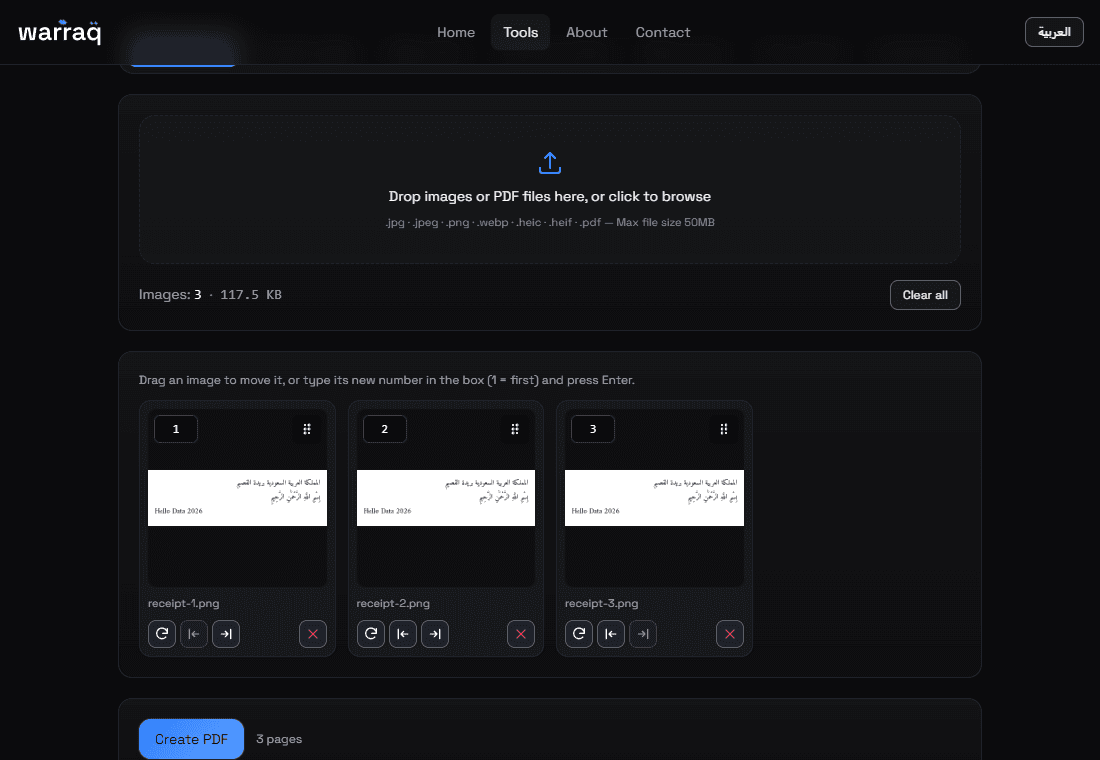
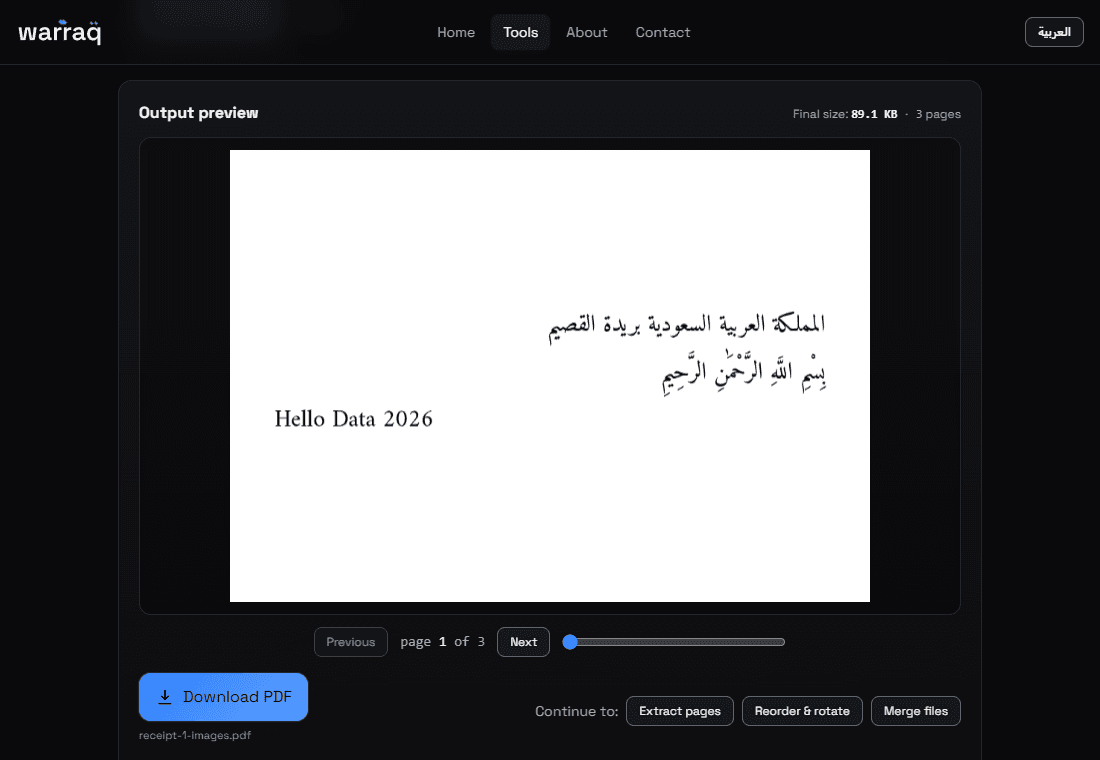
Phone photos become one PDF. Pages get cut or merged. Excel files come together in one. A table becomes a dashboard.
The same path in every tool
Learn one tool and you know them all.
- 01File
Drag your file in or pick it from your device (up to 50MB).
- 02Settings
Change only what you need. The rest is preset.
- 03Preview
See the result and fix anything before you save.
- 04Download
Save the file to your device.
The text and audio tools may offer server processing for higher accuracy. It only runs if you choose it.
Quick questions
Can you see my files?
No. The tools run in your browser, so your file doesn't reach us. If a server option appears, it only runs if you choose it.
What's the biggest file I can use?
50MB per file, up to 60 PDF pages for text extraction, and up to an hour for transcription.
Does it work on my phone?
Yes, right in the browser. You can add it to your home screen to open it like an app.
Is it really free?
Yes. No account, no subscription, no ads.
Is the text accurate?
It depends on how clear the image or audio is. Check it before you rely on it; we highlight what we're unsure about.